
Quick product tour — what you'll do on day one
Welcome to Patcher. This quick tour walks you through what you’ll see in your first hour and the handful of things worth trying on day one.
Overview
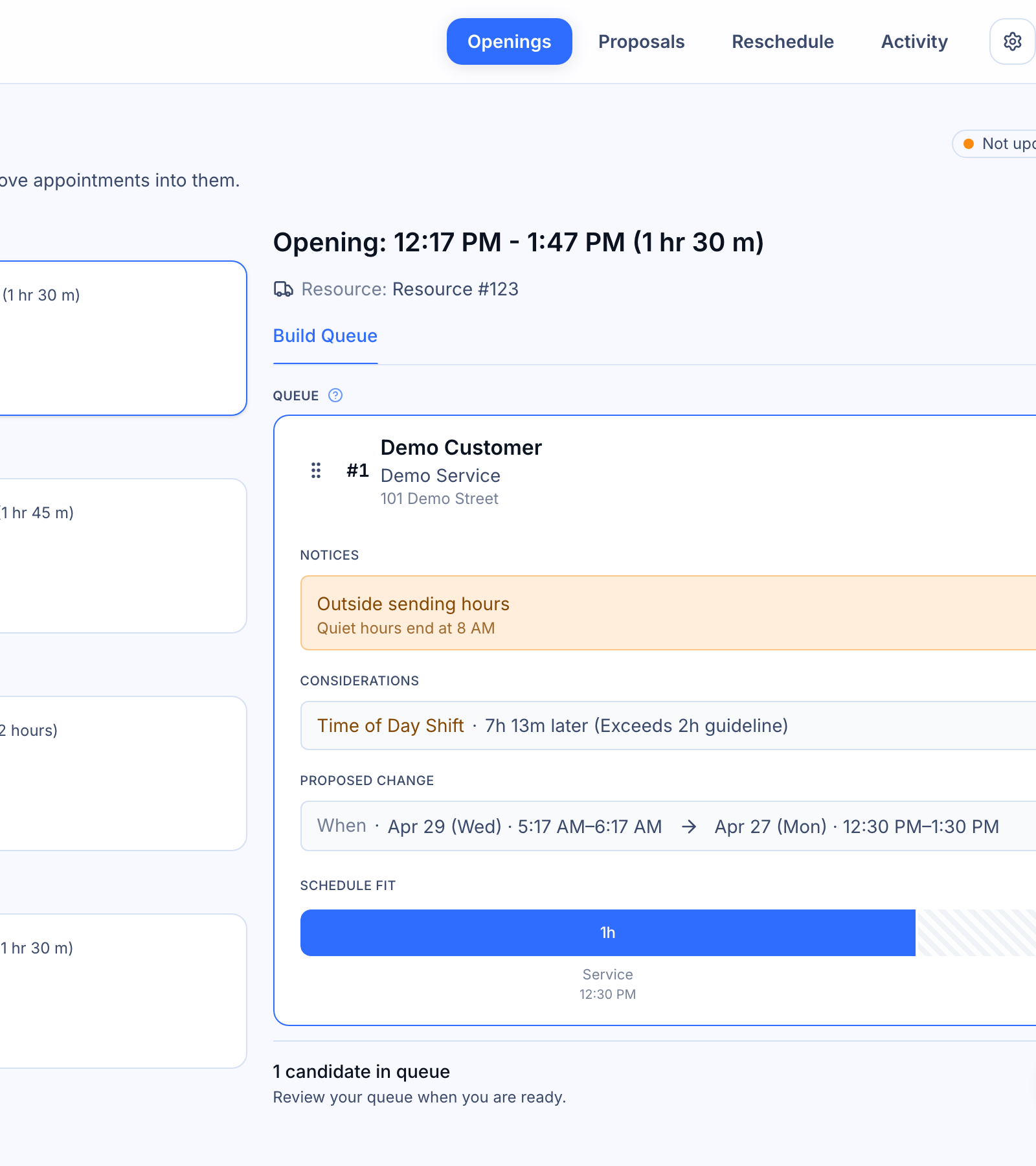
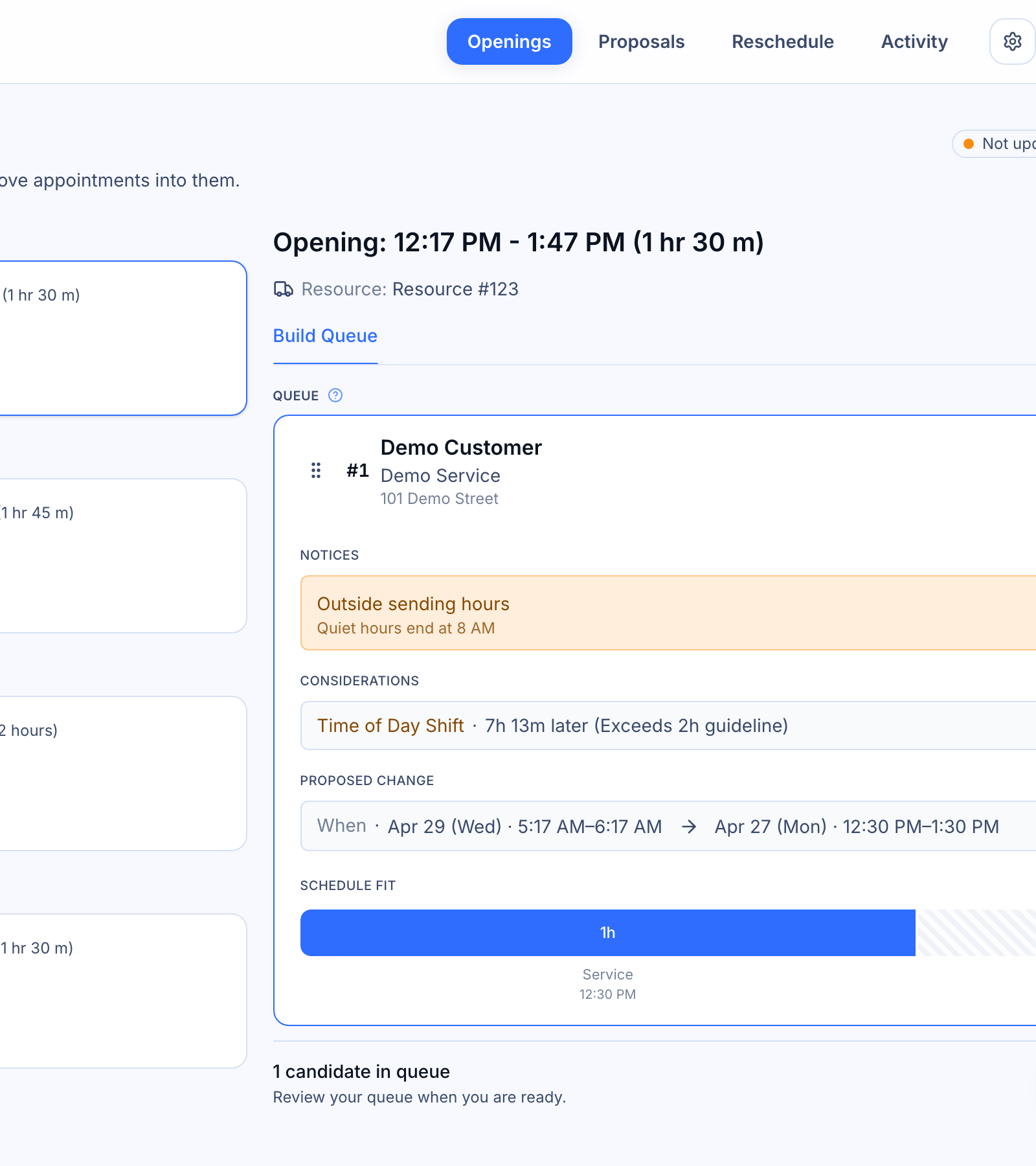
Patcher helps you fill last-minute openings in your schedule without you making the calls. In your first session, you’ll orient to four areas from the top navigation: Openings, Proposals, Reschedule, and Activity. Each one maps to a clear job — find gaps, send proposals, handle reschedule requests, and see what Patcher did on your behalf.
Your first hour, step by step
- Open Openings. This is your starting point. Openings are the empty slots Patcher found on your calendar based on your hours and settings. Skim the list to get a feel for how Patcher sees your schedule.
- Pick an opening and send your first proposal. Choose an opening that feels low-stakes, review the suggested customers, and send a proposal. Patcher will text your customer on your behalf. If they accept, the appointment books automatically.
- Check Proposals. Every proposal you send lives here. You’ll see what’s pending, what’s been accepted, and what’s declined — all in one place.
- Peek at Reschedule. When a customer needs to move an appointment, Patcher handles the back-and-forth here. You don’t need to do anything on day one — just know where it lives.
- Finish in Activity. Activity is your timeline of everything Patcher has done — messages sent, proposals accepted, appointments updated. It’s the fastest way to confirm things are working.
What to try on day one
- Send one proposal for a real opening so you can see the full loop end to end.
- Open Activity after a few minutes to watch the message flow through.
- Switch between businesses (if you manage more than one) using the switcher in the top-right corner.
What to skip for now
You don’t need to master settings, scoring, or integrations in your first hour. Patcher ships with sensible defaults so you can start sending proposals right away. Come back to the settings area once you’ve seen a proposal or two complete.
Where to go next
- How Openings work
- Sending your first proposal
- Reviewing Activity